
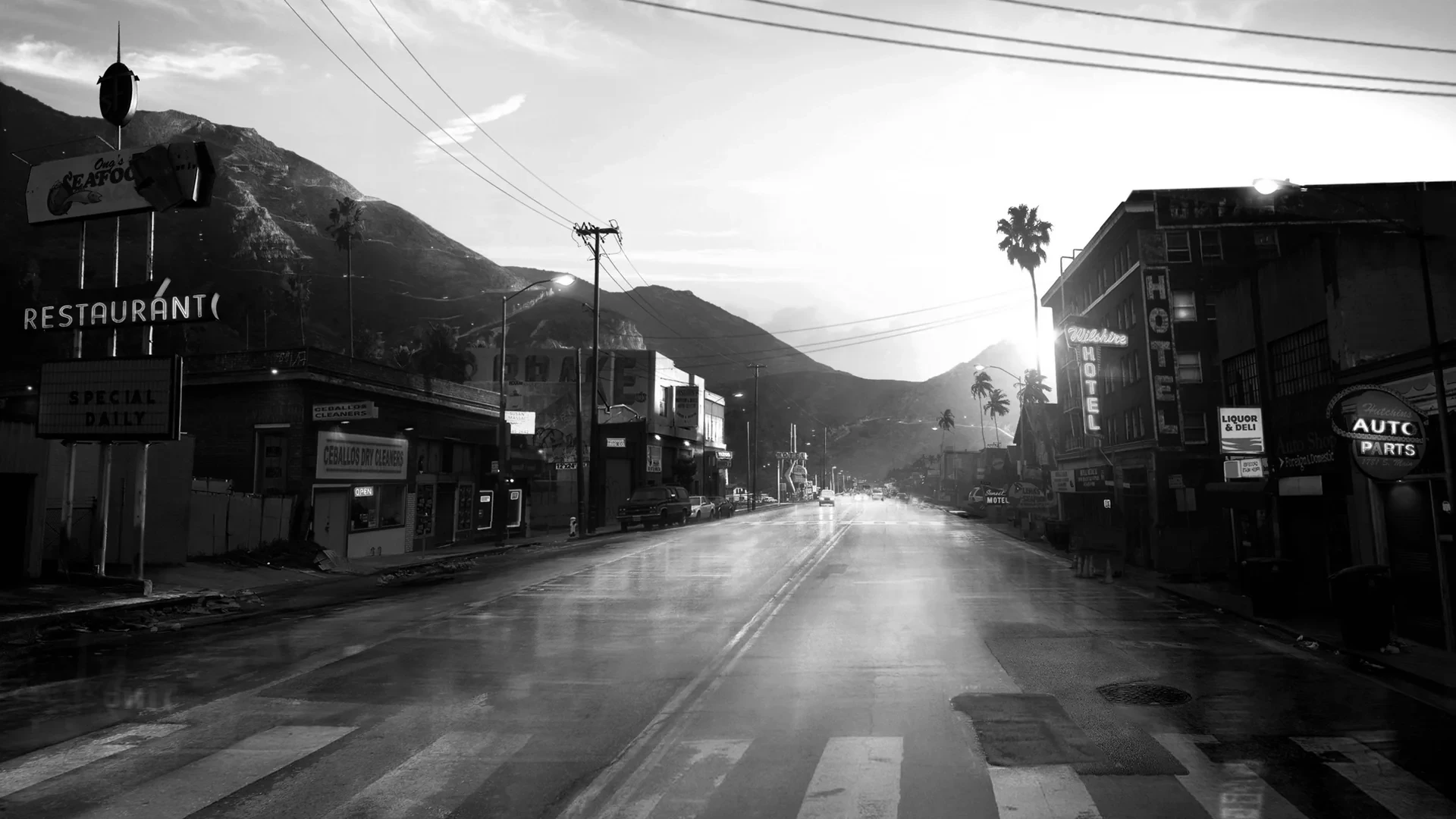


HUD ULTIMATE EDITION
 ESX
ESX  QBCore
  QBox
QBox- 100+ Widget Styles 21 speedos, 17 status bars, 14 info bars, 12 radar shapes
- HUD Studio /hudmenu or F7 - restyle and place every widget live
- Vehicle Dock Doors, seats, lights, radio and GPS right over the radar
- Setup Wizard Language, a look, done - shown once per player
- Community Presets 8 official looks, one-click apply, publish your own
- Admin Control /hudconfig - who sets up, opens, publishes and sees what
- 9 Languages EN, FR, RU, AR, ES, ZH, PT, DE, PL - each player picks
- Any Framework Qbox, QBCore and ESX - near-zero idle cost
This product comes with an escrowed library dependency.


8 Official Presets - A Whole New HUD in One Click
Pick one of eight looks made by the makers of nnHUD and the whole HUD changes at once - speedometer, status bars, radar, info bar and compass. Players can also browse the presets published on your server and by every server running the HUD, and publish their own.
- 8 official looks from the makers of nnHUD, offered right in the setup wizard and pinned in every feed.
- Three shelves: Mine, This server and Community.
- Apply in one click - colours, sizes and places included - with Undo right there.
- Twelve slots of your own, plus look codes to copy and paste between friends.
- Search by name, author or tag, and sort by trending, most liked, most applied or newest.
- The owner decides who may publish and can hide anything from the server shelf.
Setup Wizard - Hello in Nine Languages
The first time someone joins, a short wizard says hello and asks for their language - the whole page switches the moment they pick one. Then it offers a look to start from, and lets them fine-tune it or finish straight away.
- Shows once per player, on their first join, whichever PC they play from.
- 9 languages: English, French, Russian, Arabic, Spanish, Chinese, Portuguese, German and Polish.
- Each player picks their own language and speed unit, and the whole HUD follows it.
- Start from the server look, the shipped defaults, or one of 8 official looks.
- The owner run also names the server, sets its logo and decides who may open the dashboard and publish.
- Choose which widgets exist on your server and who gets each - and change it all later in game with /hudconfig.
Fine-Tune Each Widget - Ready in Seconds
After picking a look, a player can step through the widgets and adjust each one, or finish straight away. Either way the HUD is ready in seconds.
- A step for each widget, with the real widget live on the page as you change it.
- Fine-tuning is optional - the look you picked is already complete.
- A summary lists every choice before the HUD goes live.
- Everything stays editable later in the HUD Studio with F7.
HUD Studio - Restyle Everything Live
Type /hudmenu or press F7 and every widget is in one dashboard. Pick a style, change its colours, then move and resize everything right over the live game.
- A page for every widget, and every change lands on the preview as you click - no restart.
- Click a part of a cluster to recolour it, or drag it to a new spot.
- The placement editor moves and resizes every widget on one stage, with a grid and 3D tilt.
- Show when: always, only in a vehicle, only when it matters, or never - per widget.
- Undo any change, or put the whole HUD back the way it shipped in one click.
21 Speedometers - From Race Cluster to Wristwatch
Twenty-one speedometers, from a cyberpunk rev trace to a gold wristwatch dial. Every one reads live speed, revs, gear and fuel, and goes live the moment you pick it.
- 21 styles: Cyber Trace, Apex GT, Concours, Sovereign, Neon Cluster, Drift Boost, the Contour family, Nano and more.
- Smooth needles - speed, revs and heading glide between readings instead of jumping.
- Gear ladders, shift lights and a row of telltales: ABS, traction control, handbrake, beams, oil, battery, temperature, seatbelt and NOS.
- Assignable gauges for fuel, engine health, oil, temperature, coolant, battery or NOS.
- The engine lamp turns amber, then red, with a chime each player can turn down.
- Cruise control, turn signals and hazards on their own keys, in KM/H or MPH.
Status Bars - 17 Looks, Seven Stats
Health, armour, hunger, thirst, stamina, oxygen and stress, in 17 looks - from clean bars to hexagon clusters and ring gauges.
- 17 looks, including Cyberpunk, Zombie, Arcade, Glossy 3D, Wireframe, Isometric, Hexline, Avatar Bar and Ring Gauges.
- Every stat shows as a bar with its icon, a bar, an icon, a ring, or not at all - each in its own colour.
- Stats at rest can fade or step aside, so the corner stays calm until something drops.
- A full stress system: shooting, speeding, crashes, falls and low health raise it, calm time and relief items bring it down.
- Any script can add its own stat to the status bar with one export.
Status Icons - Icons, Rings and Shapes
Drop the bars and every stat becomes an icon: a compact row that still reads every value, in the look of your choice.
- Icon only in every look - Cyberpunk, Zombie, Arcade, Glossy 3D, Stencil, Sticker, Wireframe, Isometric, Nano and more.
- A ring around each icon fills with its value.
- Icon shapes: circle, square, parallelogram, octagon, rhombus and star.
- Mix them - one stat as a bar, another as an icon, another hidden.
11 Compasses - Where You Are, Where You Are Going
A compass across the top of the screen with your heading, your street and your waypoint, in eleven styles.
- 11 compasses: Horizon Tape, Curved Arc, Cyber Trace, Liquid Glass, Minimal, Arcade, Zombie, Glossy 3D, Military HSI, Notch and Nano.
- Street, zone, degrees, postal code, your waypoint and map blips, each with its own switch.
- The heading glides between readings instead of jumping.
- Show it always, only in a vehicle, or never.
9 Voice Indicators - Lit While You Speak
A voice indicator that moves with your mic and shows how far your voice carries.
- 9 styles: Hexagon, Dots, Orb, Levels, Aura, Blob, Liri, Liquid Orb and Nano.
- Whisper, Normal and Shout ranges on pma-voice, SaltyChat or mumble-voip.
- Recolour it, resize it and place it anywhere with the rest of the HUD.
Ammo Counters - Clip, Reserve and the Gun in Your Hands
An ammo counter that shows the clip and the reserve and counts down with every shot, in five styles.
- 5 ammo counters: Cyber, Dial, Slab, Tactical and Nano.
- Clip and reserve at a glance, red when the magazine runs low.
- Tactical and Nano draw the gun beside the count, and Tactical even changes with the gun in your hands.
Vehicle Dock - The Car, Over the Radar
Hold Left Alt in a vehicle and a control deck covers the radar, cut to its exact shape. Click the painted car to pop the hood, open a door or switch on the lights of the real vehicle.
- The deck takes the radar place and shape, wherever you moved it.
- Doors, windows, hood, boot, lights, engine and locks, clicked where they are drawn, with side and top cameras.
- Seat swap: the cabin from above - press a free seat to move to it, in cars, vans, boats, helicopters and planes.
- A speed limiter and an automatic or manual gearbox for the driver.
- Nearest places - fuel, ATMs, banks, hospitals, garages, mechanics, stores and more, one press to set the GPS route.
- A radio deck with every station under its own logo, and OFF always one press away.
Aircraft Instruments - A Real Horizon for Pilots
In a plane or helicopter the speedometer gives way to flight instruments: an artificial horizon with airspeed, altitude and fuel around it, in seven styles.
- 7 instrument styles: Glass, Octa, Vector, Reticle, Standby, Steam and Horizon.
- Attitude, airspeed, altitude, climb, fuel and gear at a glance.
- Autopilot on End flies a plane to your map waypoint.
- Hover hold on Home keeps a helicopter at its altitude, and G raises the landing gear.
Built for Every Vehicle - Cars, Planes, Helicopters and Boats
The HUD changes with what you drive: a speedometer in a car, flight instruments in the air and a helm on the water.
- Cars get the speedometer, the gear and the telltales.
- Planes and helicopters swap it for flight instruments.
- 4 marine helms with knots, fuel, trim, sea state and a live depth sounder under the hull.
- Drop and weigh anchor on K.
Your Layout - Radar, Info Bar and Compass Anywhere
Every server and every player can lay the HUD out their own way: the radar in any corner and any shape, the info bar where it reads best, the compass on top or not at all.
- 12 radar shapes: Card, Square, Faded, Circle, Notch, Military, Arcade, Liquid, Cyber, Zombie, Glossy and Avatar Bar, applied to the real minimap instantly.
- A themed frame traces the radar outline, and 3D tilt lays it back in perspective.
- 14 info bars: player ID, character name, job, gang, cash, bank, marked money, players online, clock, date and weather.
- Money pops show every payment and purchase beside the balance it changed.
- Your server name and logo in the header, and a streamer mode that masks the money.
- Set a waypoint and a route pocket slides open with the distance; hold Z for the big map.
Cinematic Mode, Camera & Brand Colour
Letterbox bars for scenes and screenshots, a camera you can move, and one colour that becomes your whole HUD.
- Cinematic mode drops letterbox bars over the game - set their depth and fade, and take the HUD down with them.
- Bind cinematic mode to any key you like.
- Camera accessibility moves the game camera itself - side, height and field of view.
- Brand colour: type one hex and it becomes a full palette across every widget, while warnings keep their red and amber.
- Text is checked for contrast, so it stays readable on your colour.
Keyboard Map - Every Key on One Keyboard
Every key the HUD binds, drawn on a keyboard and grouped by where you use it: the HUD, in a vehicle, in the air and on the water.
- F7 opens the studio, B buckles the seatbelt, Left Alt raises the vehicle dock and Z opens the big map.
- Cruise control, turn signals and hazards for drivers.
- Autopilot, hover hold and landing gear in the air; the anchor on the water.
- Pick a group and its keys light up - one click rebinds a key.
Every Widget, Its Own Collection
Each part of the HUD comes in its own set of styles - here the speedometers, the status looks and the info bars, all side by side.
- 21 speedometers, 17 status looks and 14 info bars.
- Plus 11 compasses, 12 radar shapes, 9 voice indicators and 5 ammo counters.
- Mix any style with any other.
- One brand colour recolours them all at once.