



ADVANCED CHAT SYSTEM
 ESX
ESX  QBCore
  QBox
QBox- Drop-In Replacement Every script that prints to the chat keeps working
- 17 Channels OOC, /me, radio, dept, gang, PM, staff, 911 and more
- Live Badges Staff, jobs, gangs and Discord roles, updated live
- Smart Commands Suggestions with hints, and a real Up and Down history
- Hide With L On activity, always shown or hidden in one key
- Per-Player Looks Glass, bubbles or clear, any colour, size and place
- Staff Tools Announcements, mute, clear all and timed messages
- Nine Languages English, French, German, Arabic and five more


Bundle & save
Get Chat in a pack.
Pack it with more scripts and pay up to 41% less than buying them one by one.

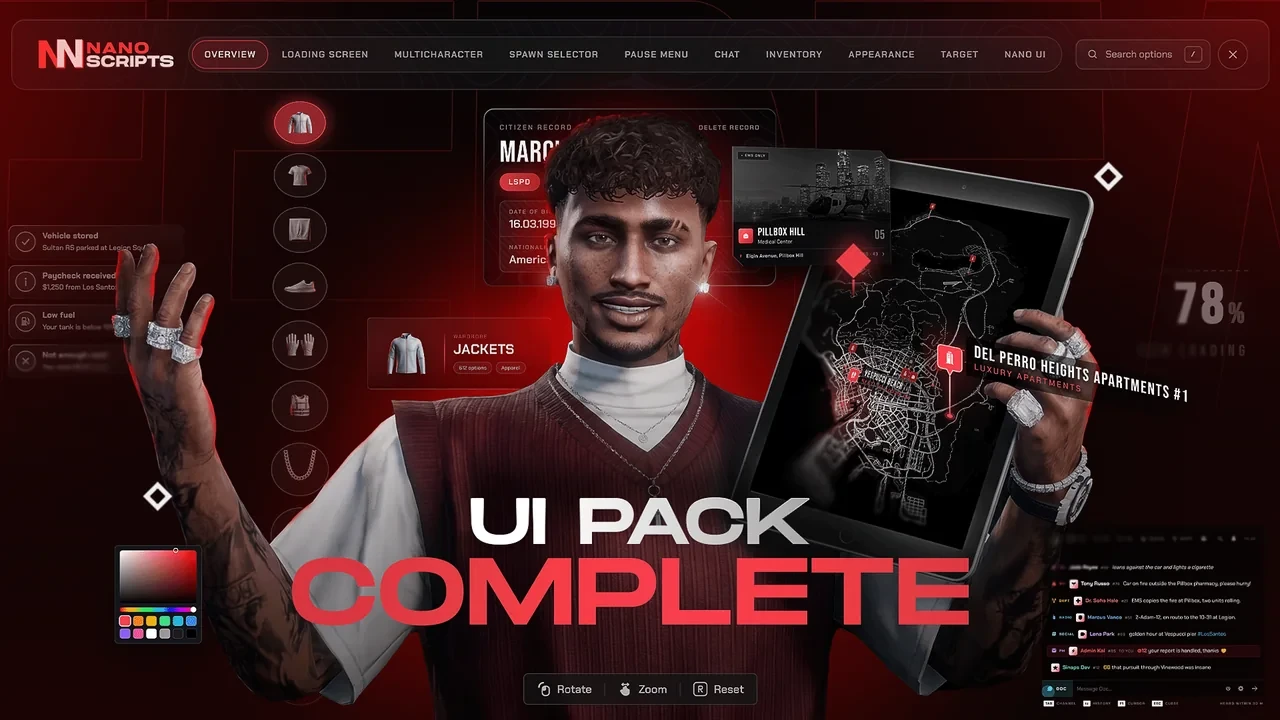

Every Voice in the City - One Panel for Your Whole Server
NANO Chat replaces the default FiveM chat with one frosted panel that sits over the game like glass. Out of character talk, roleplay, radio, departments, gangs and staff all land in the same place, each in its own colour, with the badge of who is talking.
- A drop-in replacement for the default chat - every script that prints to the chat keeps working untouched.
- 17 channels out of the box: OOC, /me, /do, radio, department, gang, PM, staff, whisper, shout, advert, 911, social, dice, /try and anonymous.
- Proximity where it matters - /me within 10 m, a whisper within 3 m, a shout carries 60 m.
- Live badges for staff, police, EMS, mechanics, government, gangs, VIPs, streamers and veterans.
- Announcements arrive as a full card with a title and a signature nobody can miss.

One Field, Every Channel - Type It and You Are There
Type /me, /r or /911 followed by a space and the field turns into that channel on the spot, colour and all. Players never send a radio call into OOC by mistake again.
- Channel commands switch the field instantly - the mode tile flashes so you always know where you are talking.
- Tab steps through your channels, Backspace on an empty field drops you back to OOC.
- Every channel has its own access rules: jobs, job groups, on duty, gang, staff, Discord role or playtime.
- The line under the field says who will hear you - heard within 10 m, only police, everyone.
- A command another script already owns, like a police /911, stays with that script.

Type Less, Do More - Commands and History
Start with a slash and every command on your server shows up with its parameters and the script it belongs to. Press Up and everything you sent comes back, messages and commands alike.
- Command suggestions with parameter hints, help text and the resource that owns each one.
- Exact and prefix matches come first, and Enter runs exactly what you typed - suggestions never overwrite you.
- Tab completes the top suggestion; the arrows pick another.
- Up and Down walk your history - messages and commands, with their channel kept.
- History is remembered between sessions, so it is still there after a relog.

Never Miss a Word - Announcements, Mentions and Replies
Staff announcements land as a card, a mention lights up the line it is in, and a reply carries a quote of the message it answers. With the chat closed, a mention still reaches you as a small toast.
- /announce sends a full-width card with a title, a message and a signature.
- Type @id to mention a player - the row lights up and a toast tells them while the chat is closed.
- Click any message for Reply, PM, Copy, Mute and Report.
- Replies carry a quote, so a busy channel still reads like a conversation.
- Staff get /mute, /clearall and automatic messages on a timer.

Make It Yours - Every Player Picks Their Look
Every player sets the chat up the way they like it, and it is saved on the server for them. Frosted glass, separate bubbles or no panel at all, any accent colour, any size, anywhere on the screen.
- Three backgrounds: frosted glass over the game, one bubble per message, or clean text only.
- Pick an accent colour - mentions, badges and announcements follow it.
- Seven anchors or drag it anywhere, resize it, and pick one of four text sizes.
- Timestamps, compact rows, coloured names, sounds and a streamer mode that masks names.
- You decide what players may change - lock any setting or sell it as a perk.

Show It, Hide It - In Nine Languages
Press L to switch the chat between shown on activity, always shown and hidden, with a short notice so players always know what changed. The whole interface speaks the language you set.
- L or /toggleChat cycles the chat between on activity, always and hidden.
- The chat steps aside by itself in the pause menu and on faded screens.
- Players can rebind the key in their own key bindings.
- Nine languages: English, French, German, Spanish, Portuguese, Polish, Russian, Turkish and Arabic.
- Every text lives in one file per language, ready for your own wording.