


POLICE & EMS MDT + CAD
 ESX
ESX  QBCore
  QBox
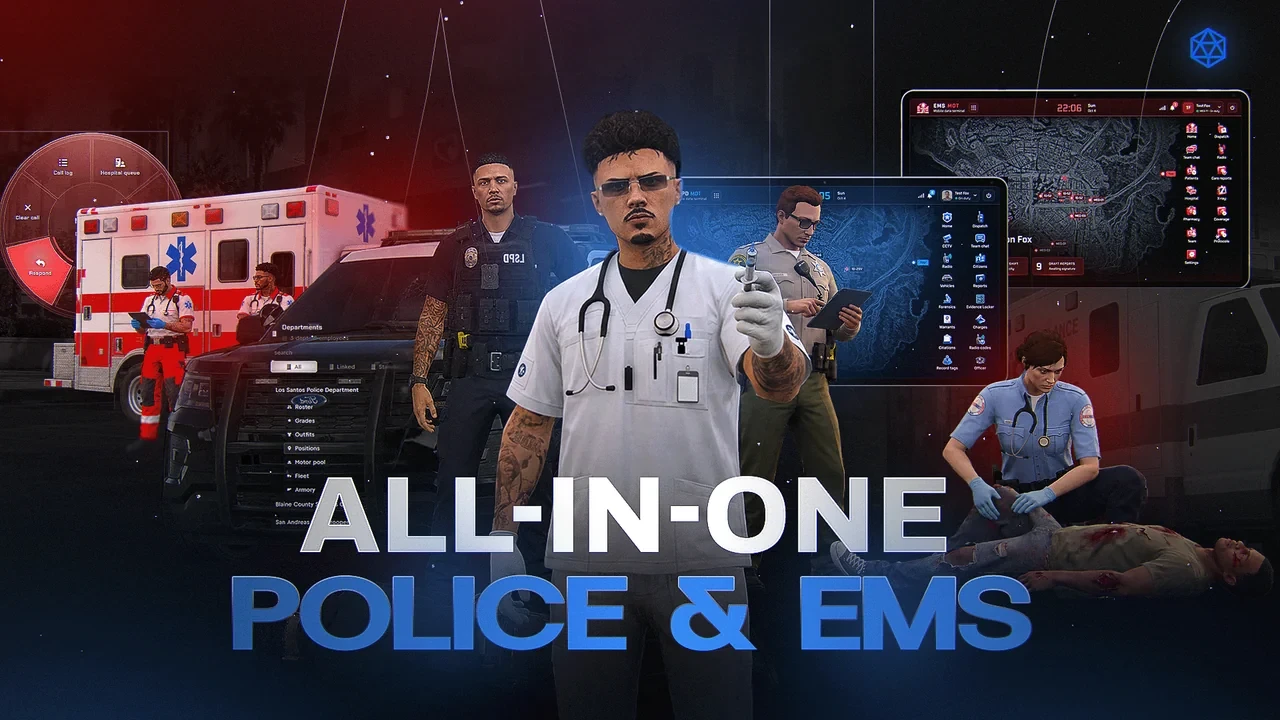
QBox- Three Tools Included Police MDT, EMS MDT & vehicle CAD
- Police Records Citizens, vehicles, cases, warrants & BOLOs
- Live CCTV Camera management & nearby plate scans
- Remote MDT Police & EMS browser access while connected in-game
- In-Vehicle CAD Dispatch, map, unit status & lookups
- Patrol ALPR Built-in front/rear scanning & BOLO hits
- EMS Care Reports Patient search, signatures & recorded addenda
- Team Operations Department chat & role-based access


Bundle & save
Get Police & EMS MDT + CAD in a pack.
Pack it with more scripts and pay up to 17% less than buying them one by one.
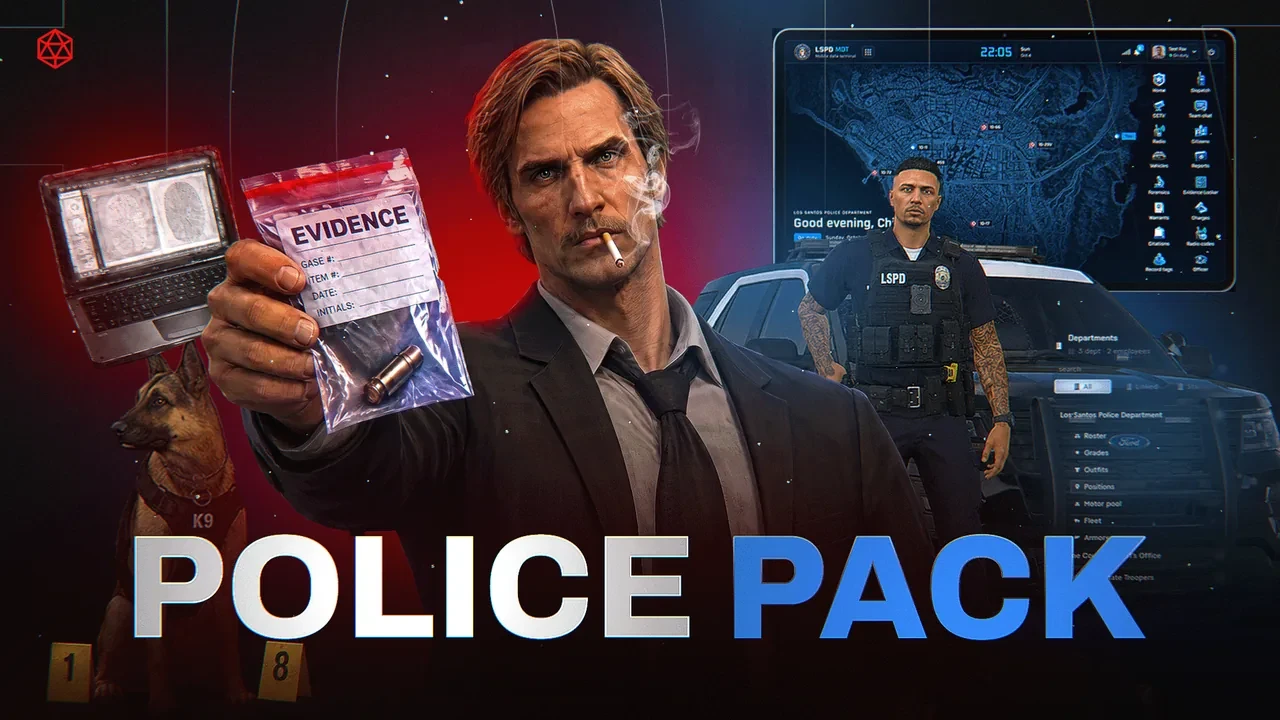
Police MDT + EMS MDT + CAD
From the station to the patrol car
Three tools in one package: a Police MDT, an EMS MDT and an in-vehicle CAD. Police records, patient reports and patrol operations, always close at hand.
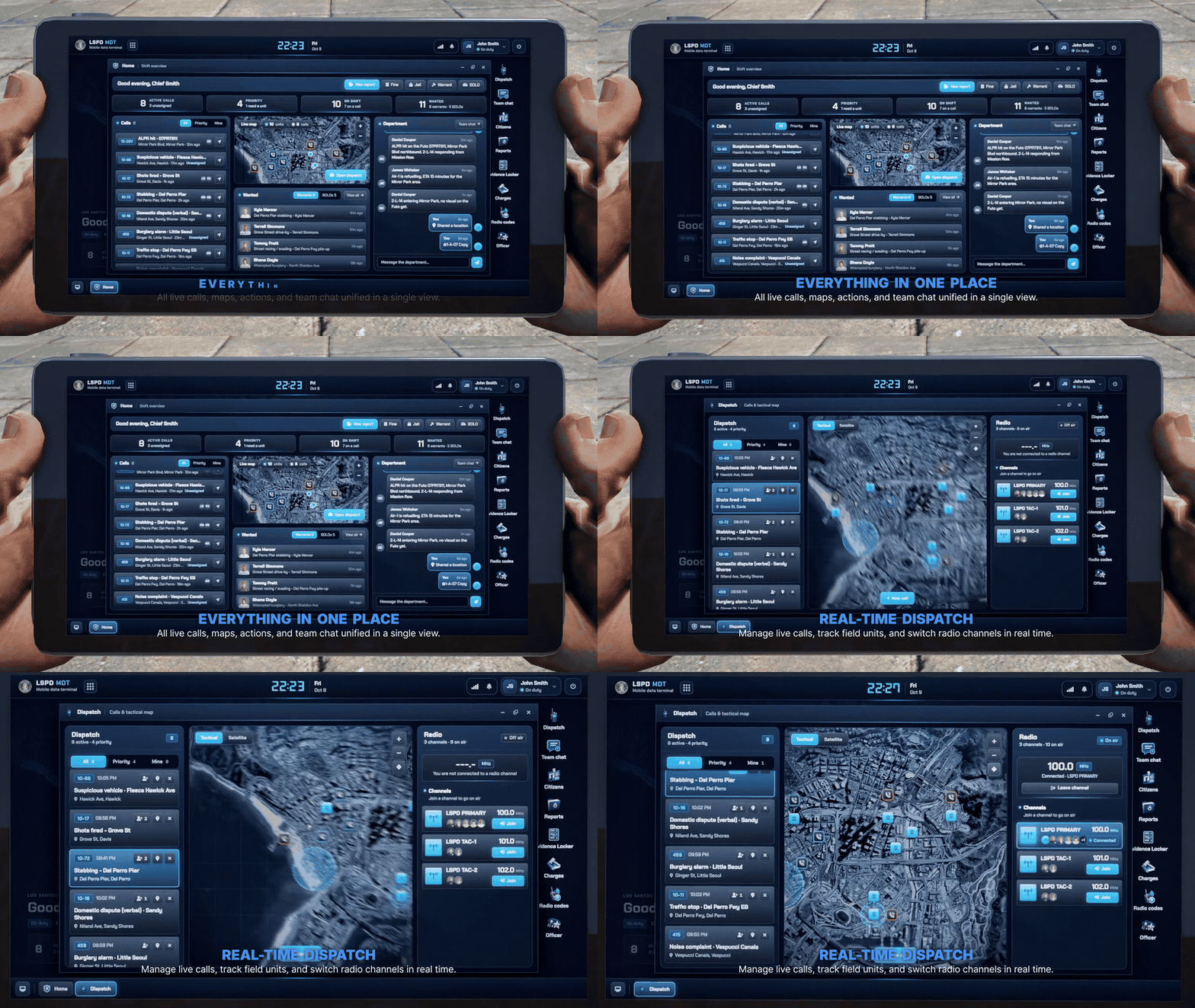
A Police Workspace You Can Carry
Open a physical tablet in game and run your department from a desktop with movable, resizable windows.
- Dispatch calls, unit statuses and the live map within reach.
- Jump between records and department chat without leaving the workspace.
- Access follows job and grade permissions.
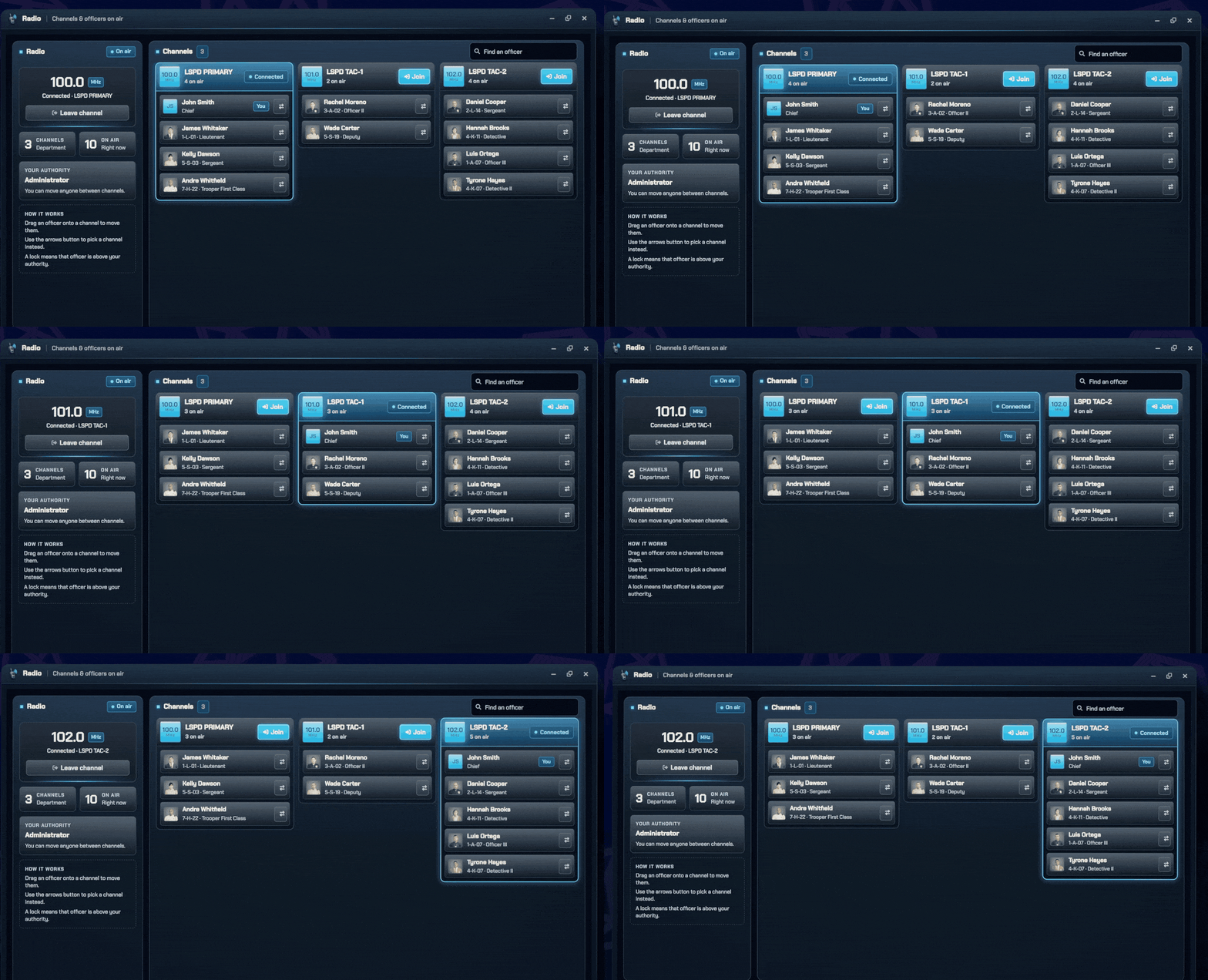
Run the Radio From the MDT
See every channel and who is on air, then move officers between channels with a drag. Supervisors set up the whole shift without saying a word on the radio.
- Drag an officer onto a channel to move them, or pick one with the arrows button.
- Every channel at a glance: frequency, who is on air and where you are connected.
- Rank-based authority: a lock shows an officer above your rank.
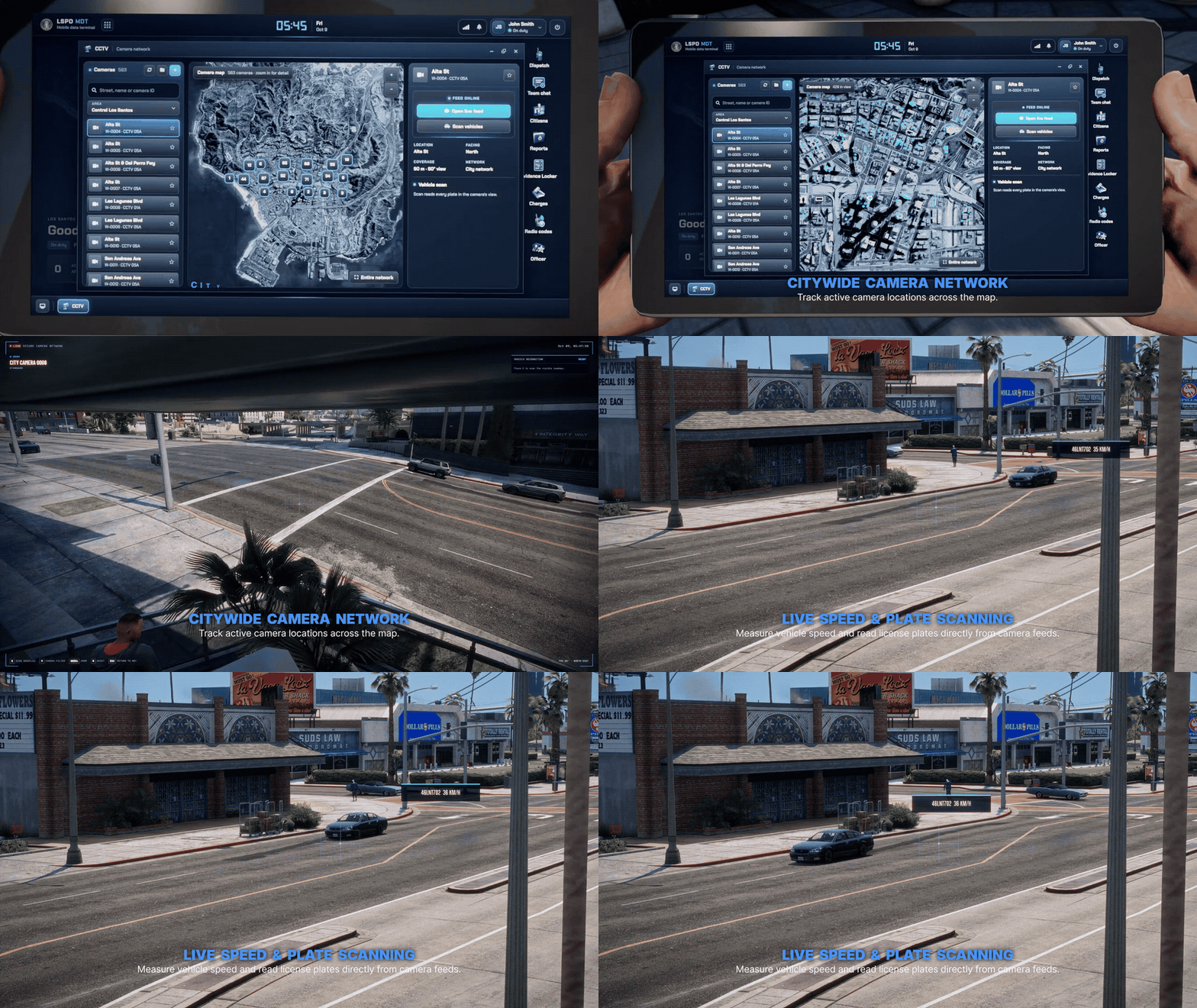
Live CCTV and Plate Scanning
Watch live cameras from the MDT and scan the plates of nearby vehicles from the camera view.
- Live camera views across the city.
- Scan nearby plates straight from the feed.
- Choose who can view each camera.
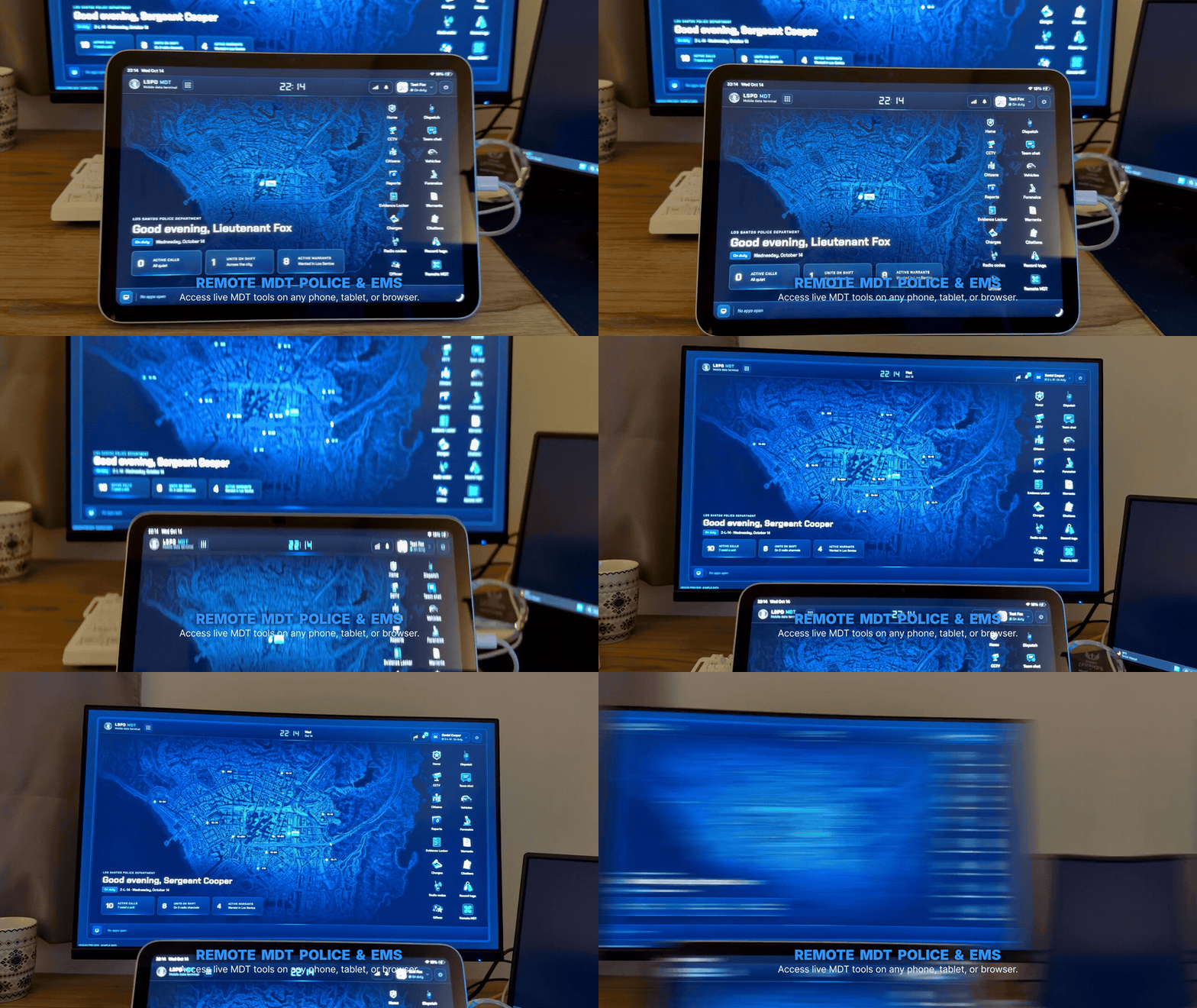
Your MDT on a Second Screen
Scan a QR code or type a pairing code to open the Police or EMS MDT in your browser while you play.
- Police and EMS both work on a second screen.
- Sessions stay tied to your department.
- Pair in seconds with a QR or typed code.
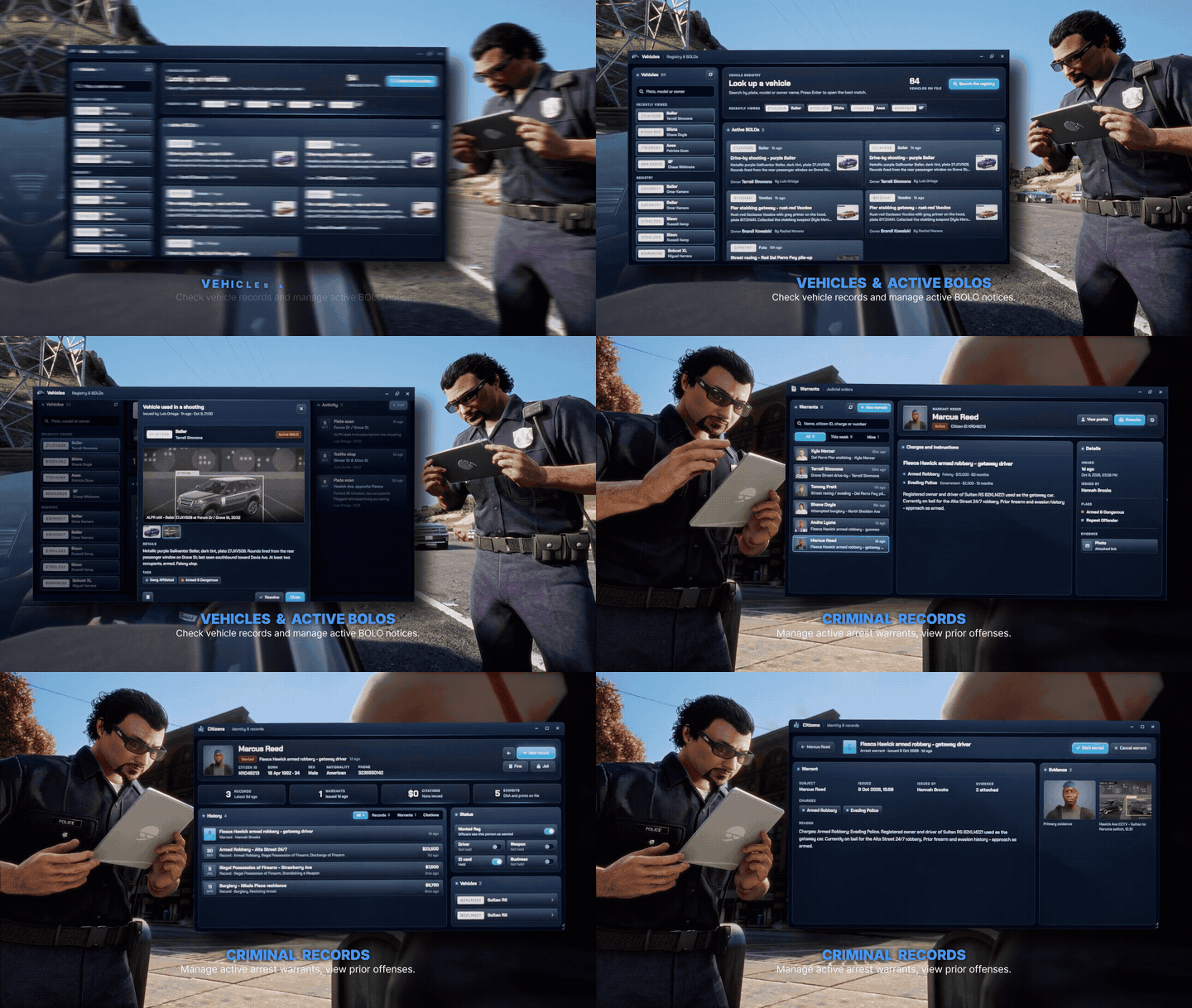
Records That Follow the Investigation
Find a citizen or vehicle, review the history and link the next step to the right case.
- Citizen profiles and vehicle records in one search.
- Cases, reports, charges, fines, warrants and BOLOs.
- Keep records organised with tags and linked cases.
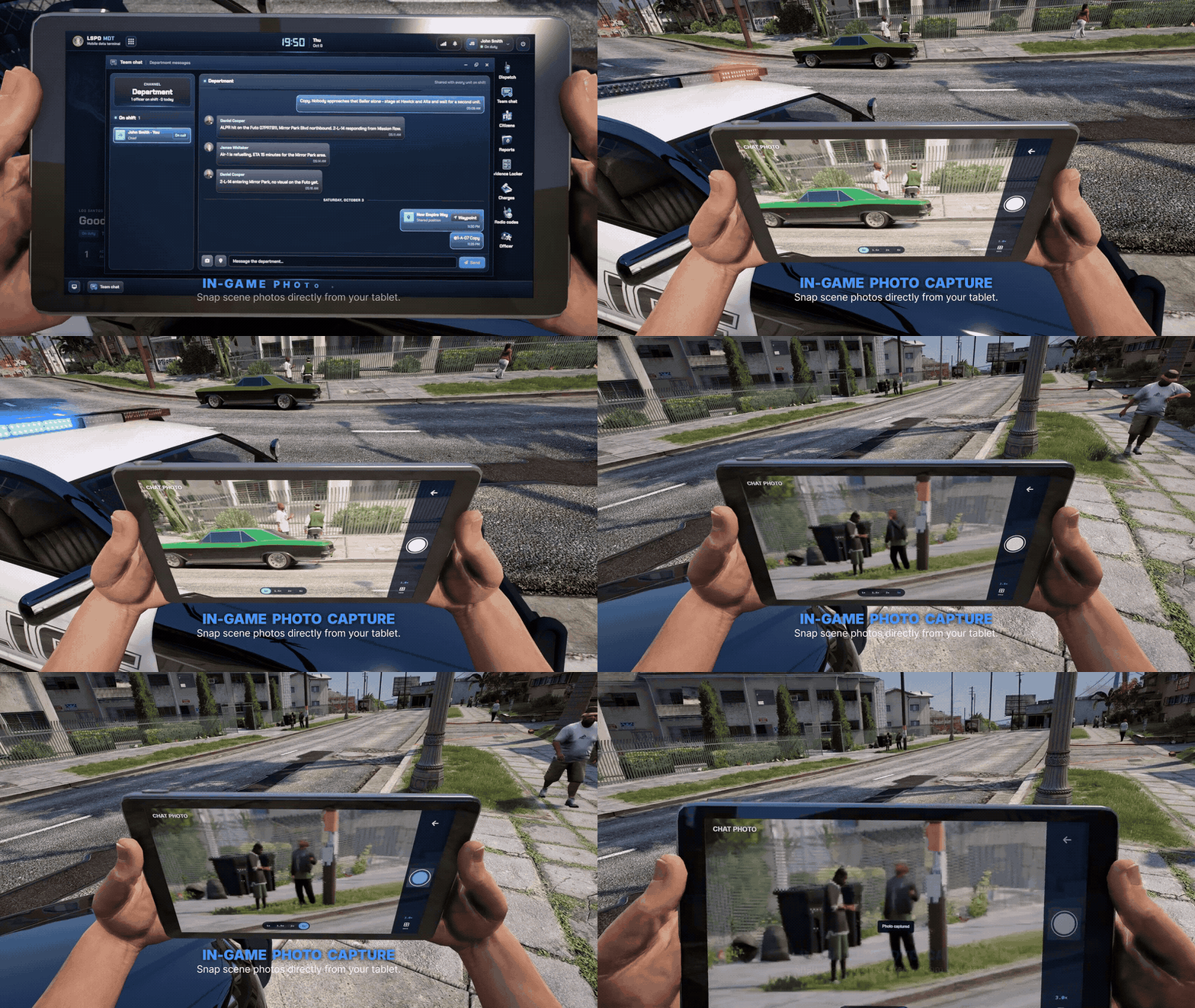
Capture the Scene
Take scene photos and mugshots with the tablet's rear camera and attach them to your reports.
- Scene photos and mugshots for department records.
- A rear-facing tablet camera for in-world shots.
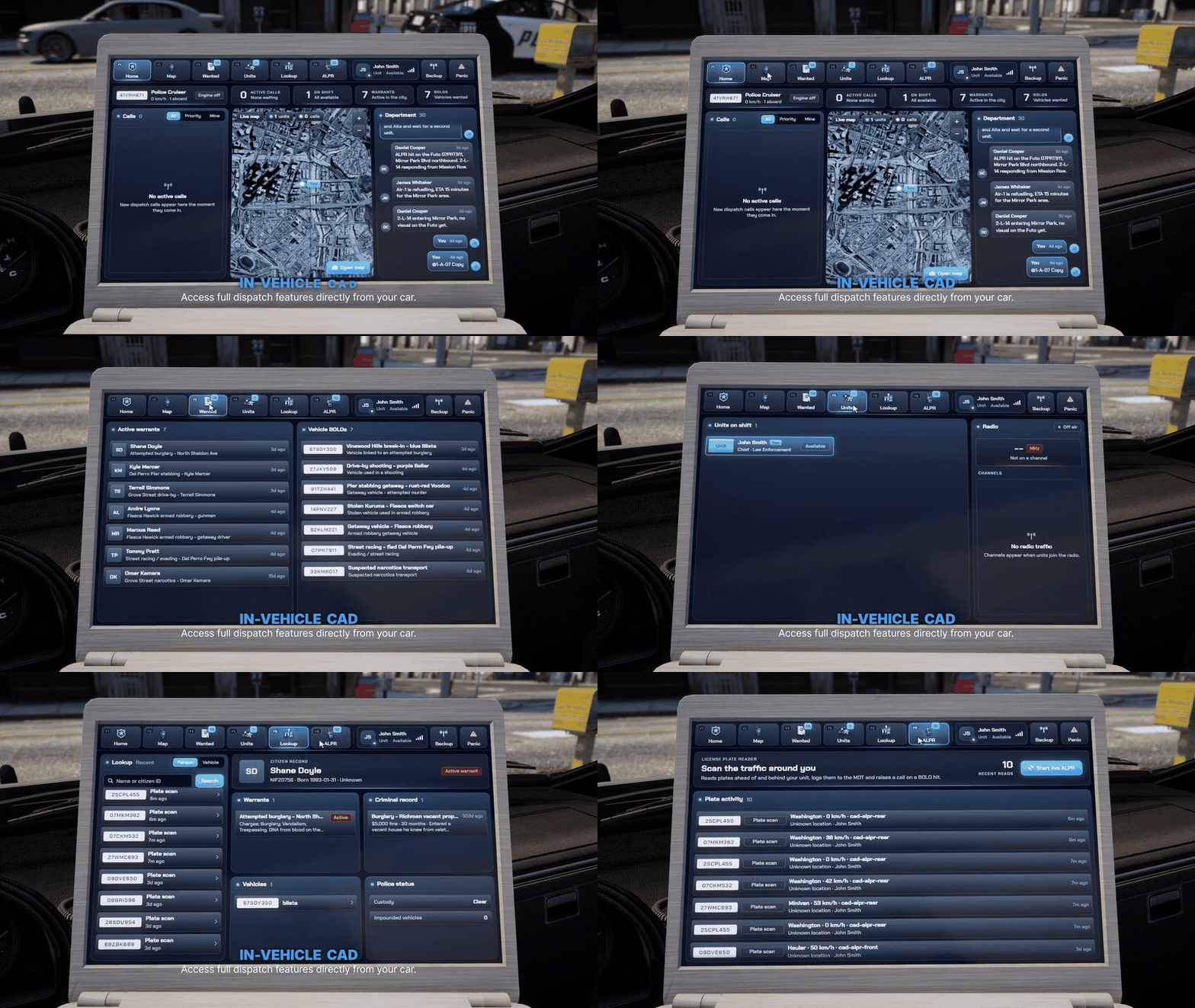
A CAD Built Into the Patrol Car
A laptop mounted in every patrol car, connected to the Police MDT.
- Dispatch queue and operations map, unit status, backup and panic buttons.
- Look up people, vehicles, warrants and cases from the driver's seat.
- Works in emergency vehicles and any model you add.
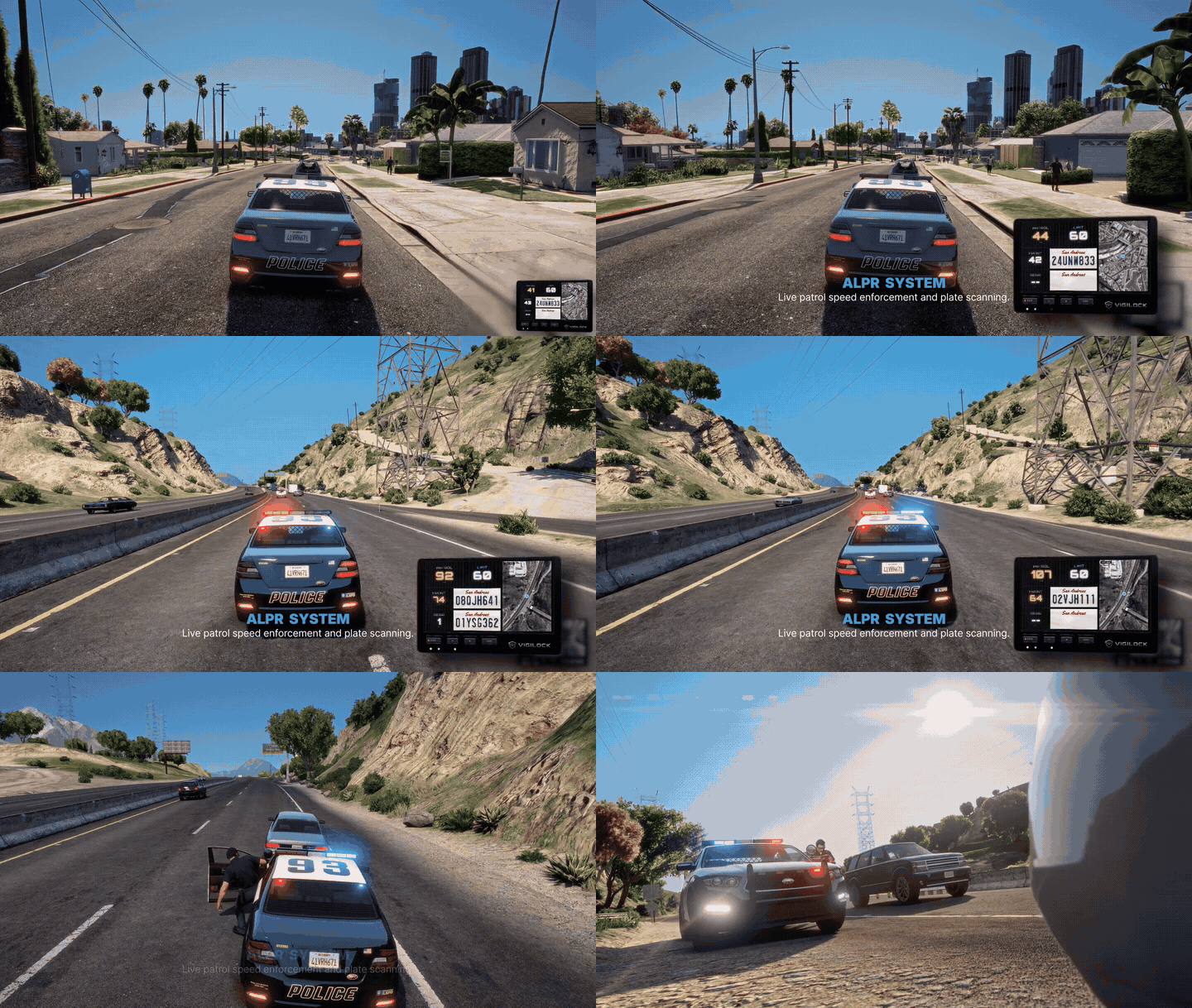
Front and Rear Patrol ALPR
Read plates while you patrol and get alerted the moment a BOLO vehicle drives past.
- Front and rear plate scanning from the patrol car.
- BOLO hit alerts and a plate activity log.
- The scanner is built in, no extra script needed.
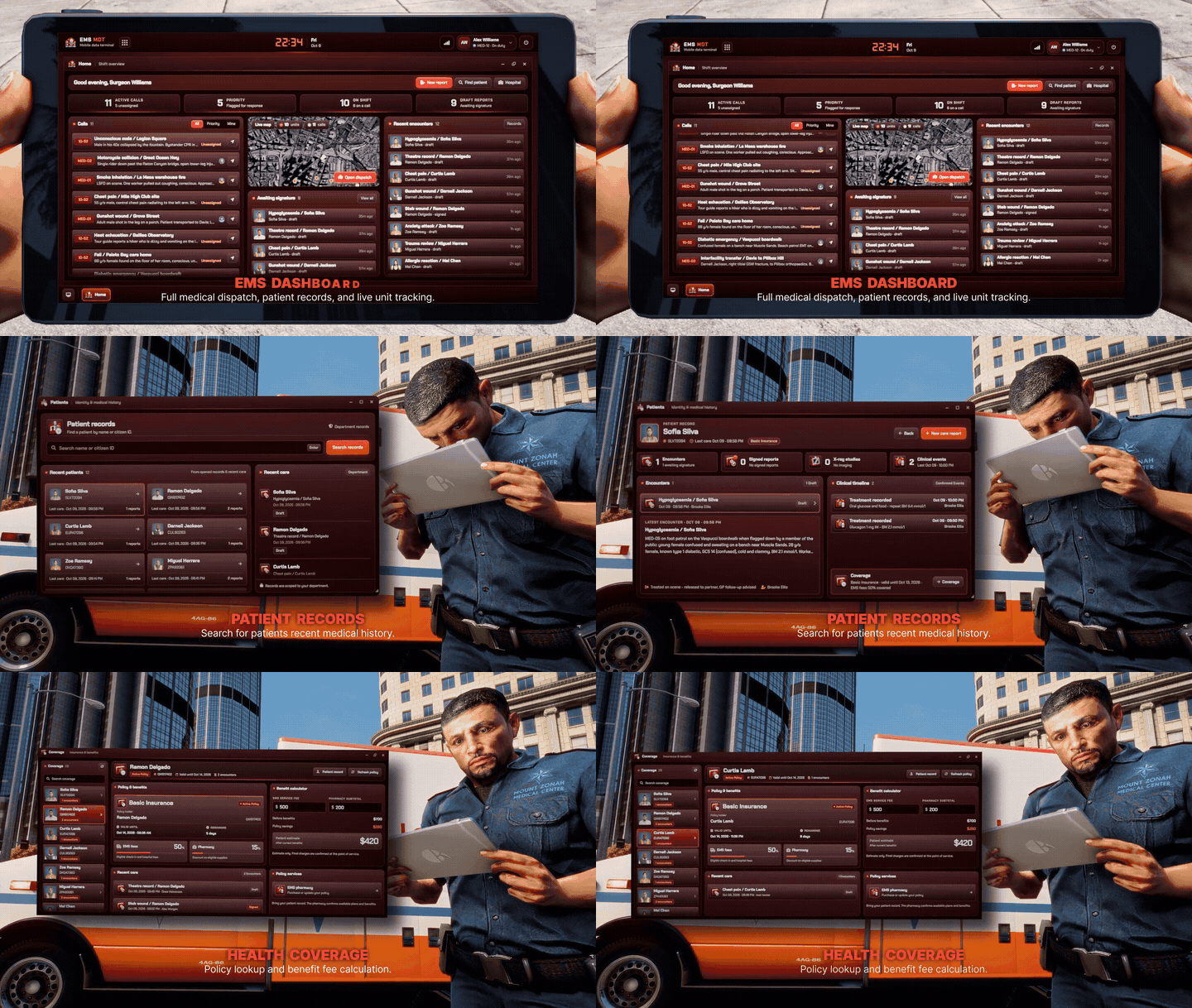
Patient Records and Signed Care Reports
A dedicated workspace for medics: find the patient, write the report, sign it off.
- Patient search by character.
- Care-report drafts you sign when the call is done.
- Signed reports lock; later changes are added as addenda.
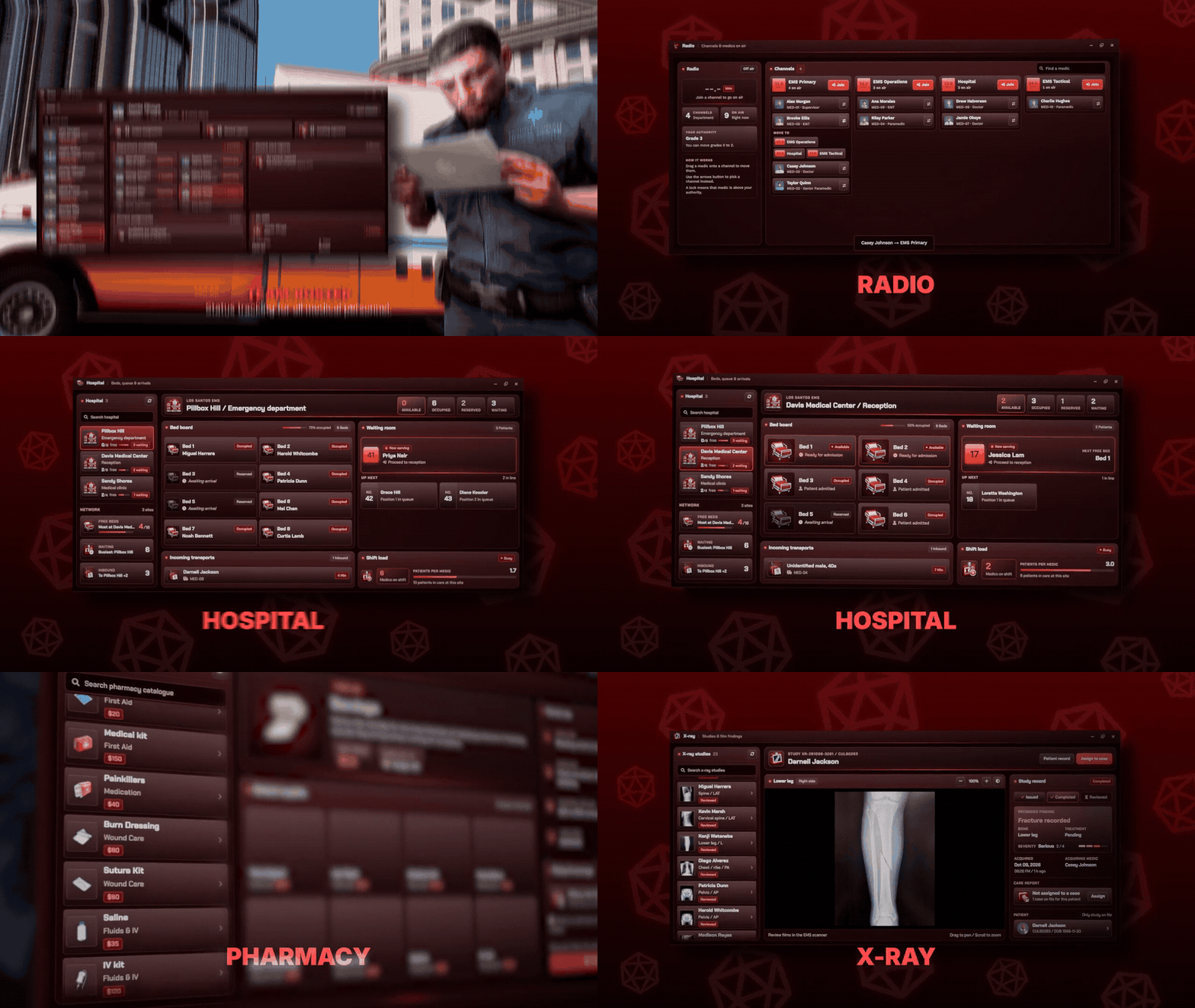
Keep the EMS Team Connected
Department chat, locations, roleplay protocols and an activity log in one EMS workspace.
- Hospital boards, beds and X-ray studies with NANO EMS.
- EMS calls and assignments from your dispatch.
- Radio controls right in the MDT.