


APPEARANCE MENU
 ESX
ESX  QBCore
  QBox
QBox- Add-On Ready Full support for custom clothing packs
- Image Tool Capture fresh preview shots of your clothes
- Easy Install Import the SQL, ensure it, done
- Drop-In Provides illenium-appearance — nothing breaks
- Any Framework QBCore, QBX, ESX & ox_core
- One-Hex Theme Recolor the whole UI from one value
- Outfits & Codes Save looks, share via outfit codes
- Mapped Shops 13 clothing, 7 barber & 6 tattoo spots


Bundle & save
Get Appearance in a pack.
Pack it with more scripts and pay up to 30% less than buying them one by one.
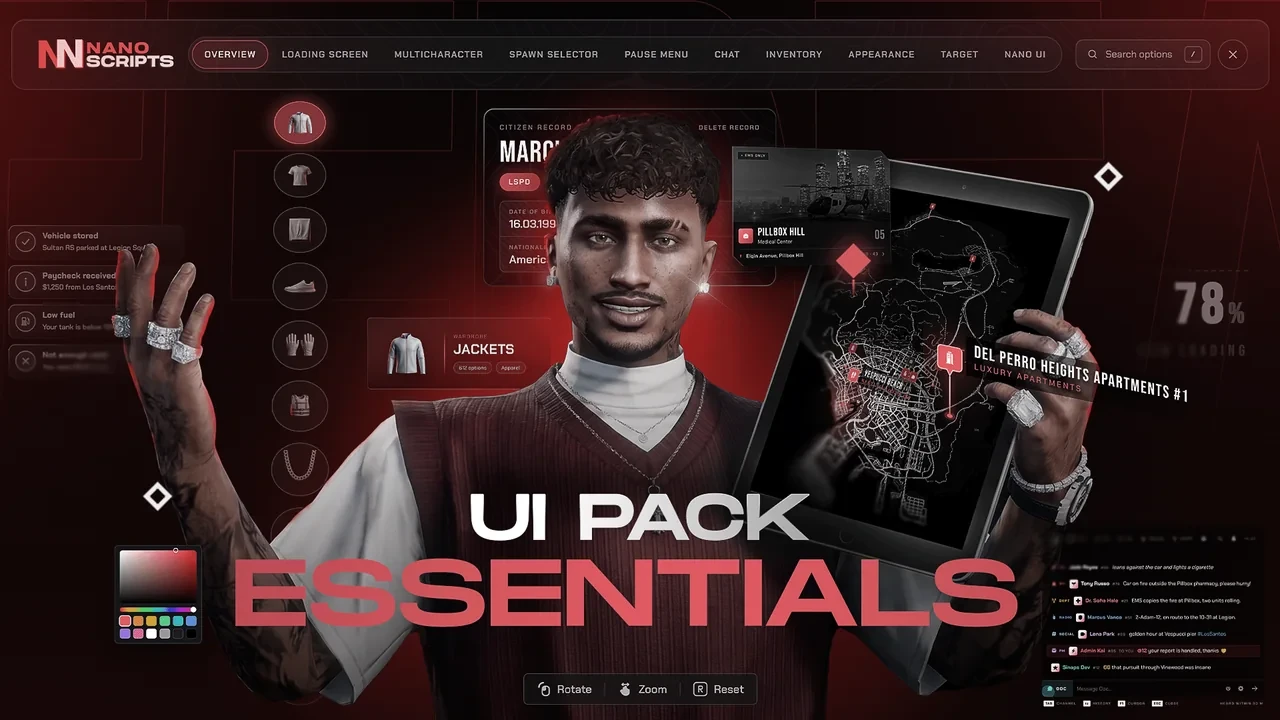
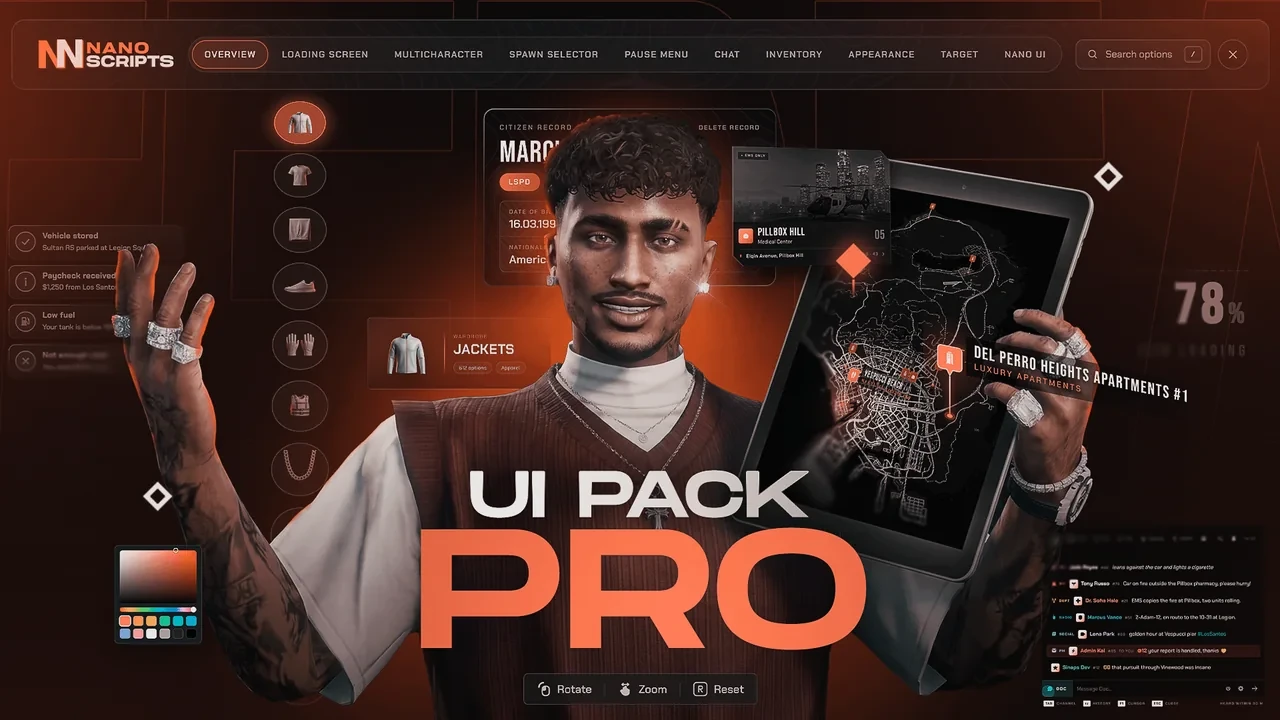
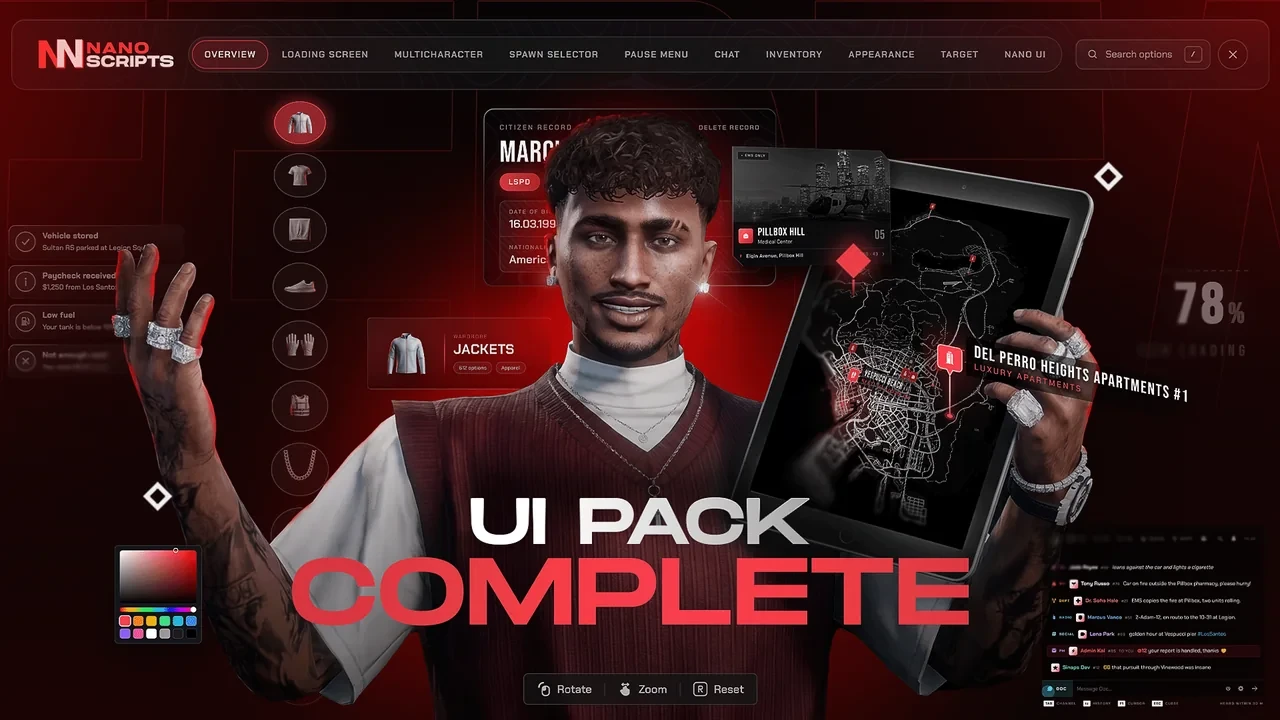
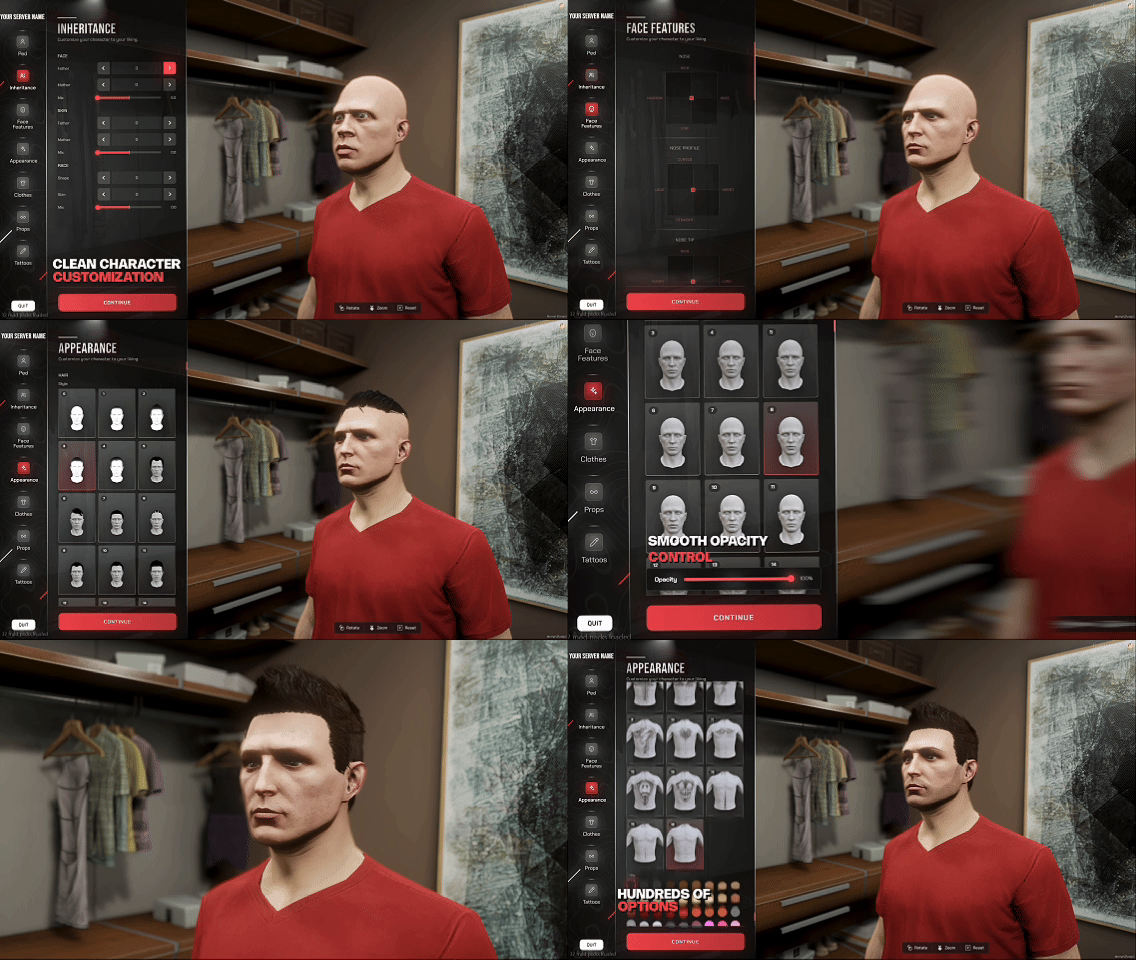
Redesigned Appearance Menu
A clean, modern UI for every component and prop — masks, tops, pants, shoes, bags, hats, glasses and more — with live preview as you scroll.
- Every clothing piece and accessory in one tidy menu
- Add-on & custom clothing packs supported — every item gets a real preview tile, not a blank number
- Includes an image tool to capture fresh preview pictures of your own clothes
- Rotate, zoom and preview changes on your ped in real time
- Open from shops, the radial menu or by aiming with target
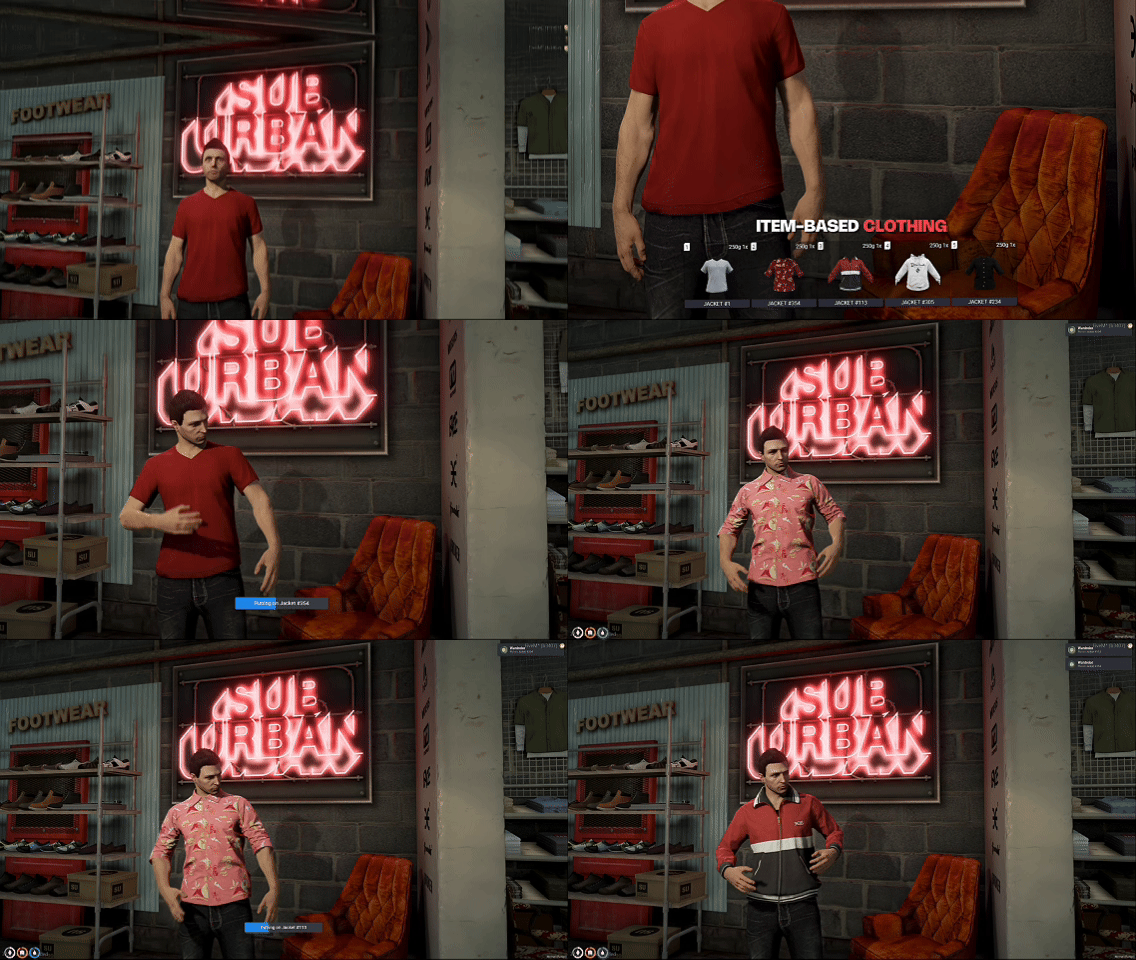
Clothing as Inventory Items
Turn bought clothes into real inventory items — players carry them, equip them and lose them like any other item, with dressing animations on every change.
- Every garment and accessory becomes an ownable item
- Per-item equip animations when players get dressed
- Items persist through relog and death on ox_inventory
- Fully optional — toggle on via community_bridge
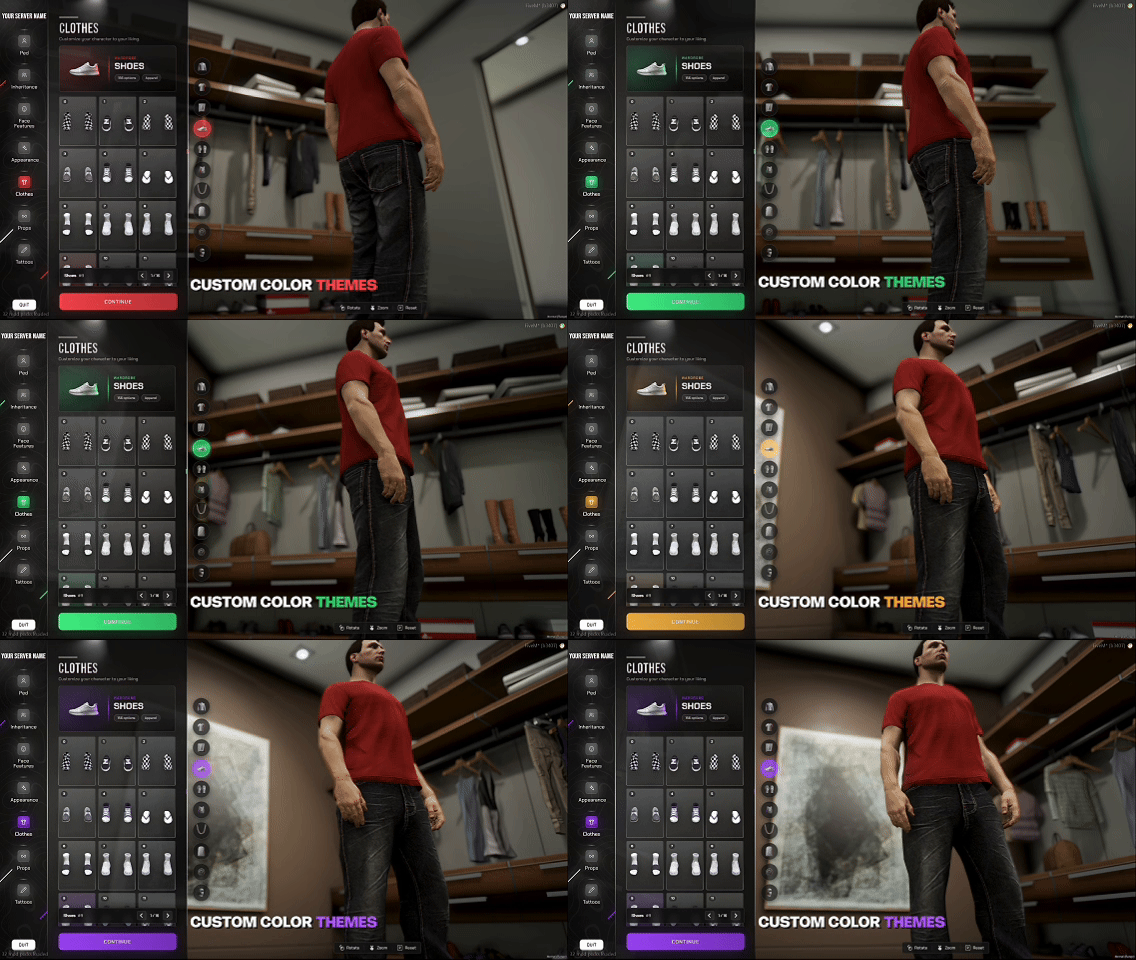
Customizable Color Theme
Match the menu to your brand by changing a single value — Config.PrimaryColor recolors highlights, glows, gradients and active states across the whole UI. Preset themes ship in the box.
- Recolor the entire interface from one hex code
- Swap in your own logo or brand text
- Ready-made theme presets included to start from
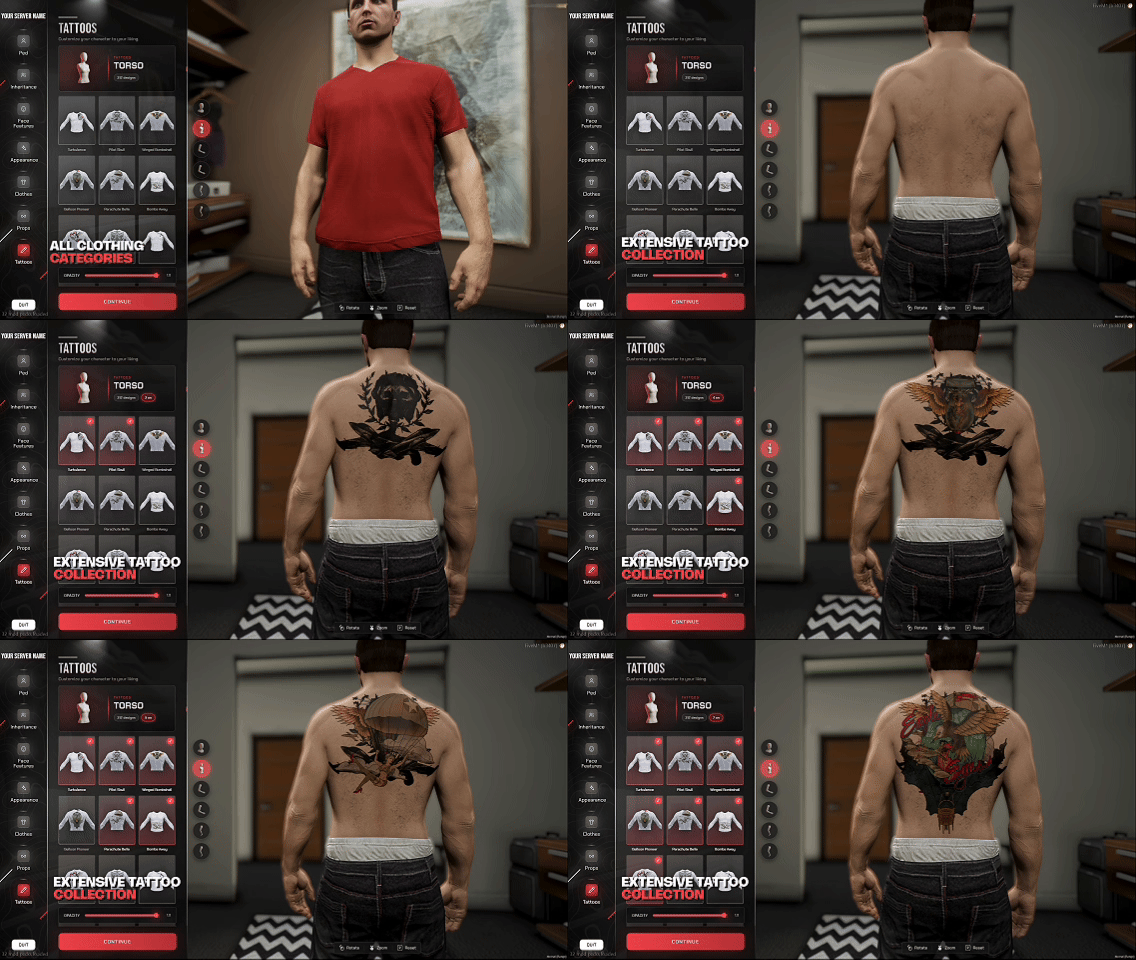
Full Tattoo Studio
Over 100 built-in tattoos across every body zone, each with male and female variants, browsable and previewed before you commit.
- 100+ designs across torso, arms, legs and head
- Separate male and female variants for every design
- Compatible with rcore_tattoos if you already run it